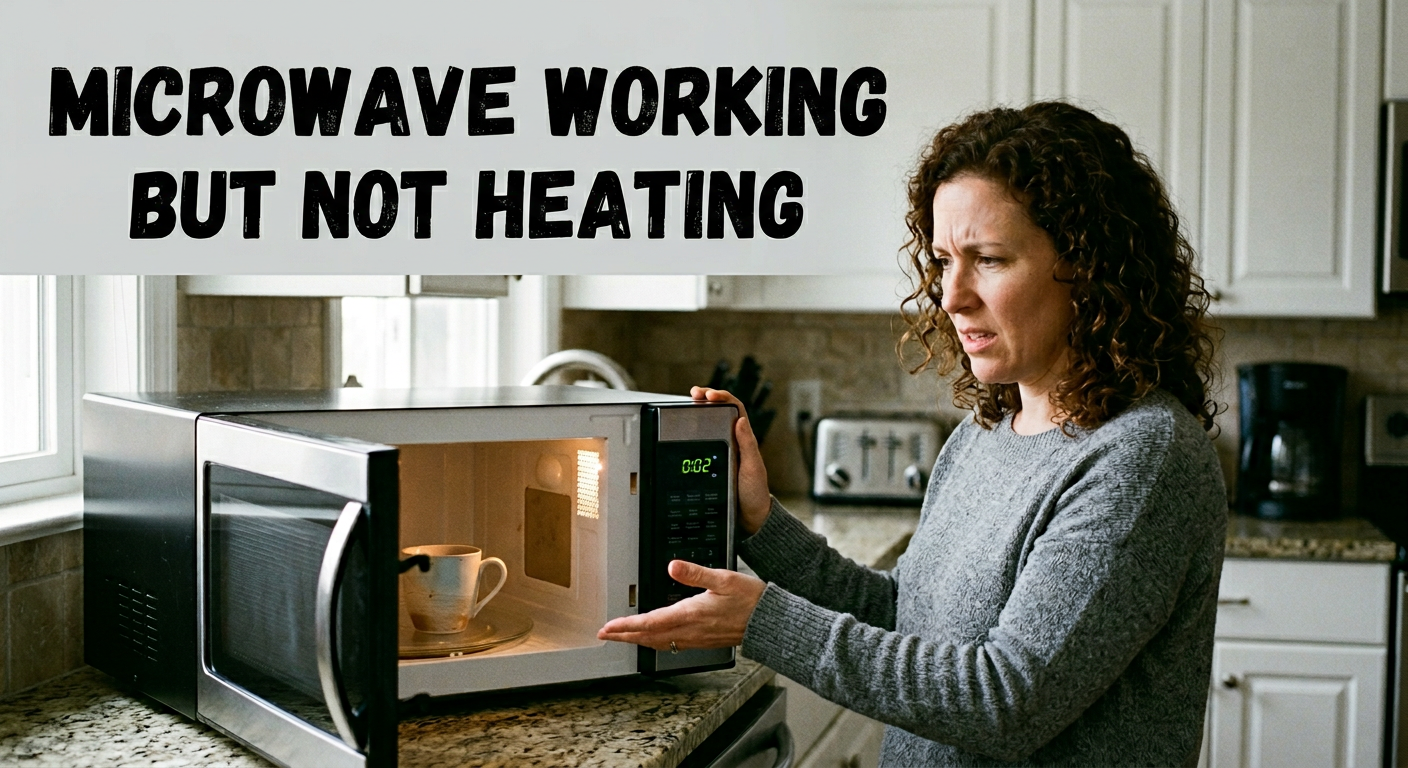
Your microwave hums, the light turns on, the turntable spins, but your food comes out cold. If your microwave working but not heating, you are not alone. It is one of the most common appliance complaints in Los Angeles homes, and most causes can be diagnosed without replacing the unit.
Quick answer: A microwave that runs but won’t heat has a fault in its high-voltage heating circuit, a door switch that isn’t engaging, or a setting blocking the heat. Check demo mode, power level, door latch, and breaker first. If a cup of water still stays cold, a part has failed (door switch, fuse, diode, capacitor, or magnetron), and a technician should replace it.
This guide starts with free 5-minute checks and works up to the failures that need a professional.
Why Is My Microwave Running But Not Heating?
Your microwave has two separate systems. The low-voltage side runs the display, light, fan, and turntable. The high-voltage heating circuit makes the heat. A magnetron turns electricity into the microwave energy that warms your food.
That is why a unit can look fully healthy and still leave dinner cold. Heat has to pass through a chain, and one weak link stops it:
- Settings and control board
- Door interlock switches
- Thermal and internal fuses
- High-voltage transformer, capacitor, and diode
- Magnetron
Use this table to match what you see to the likely cause:
| What you notice | Most likely cause |
|---|---|
| Light, fan, and turntable work, but the food stays cold | Demo mode, low-power level, door switch, or fuse |
| Loud buzzing or humming, no heat | Diode, capacitor, transformer, or magnetron |
| Stopped suddenly after a long cook | Blown thermal fuse or cutout |
| Heats only when you press on the door | Worn door switch or latch |
| The display and light are on, but it won’t start | Door switch, fuse, or control board |
| Burning smell or sparks | Unplug it and stop using it |
If your microwave has power but won’t start or work at all, the same door switch and fuse problems below apply.
Step 1: Safe Checks to Do Right Now (No Tools, No Cost)
Run these in order. They take under five minutes and resolve the issue more often than you’d expect.
How to run the water test: Fill a microwave-safe mug with one cup of room-temperature water. Heat it on full power for two minutes, then wait 30 seconds before taking it out. Repeat this test after each check. Never run the microwave empty.
Check #1 – Disable Demo Mode First
Demo mode (also called showroom mode) lets a microwave run its display, light, fan, and turntable without producing heat. Stores use it so floor models don’t heat an empty cavity all day.
It is uncommon for a microwave that is used to heat, but it can be switched on accidentally. Suspect it if the unit was recently moved, reset, bought open-box, or used by someone unfamiliar with its settings.
The steps to turn it off differ by brand and model. Many models use a held button, such as Stop/Cancel, for several seconds. Search your model number plus ”demo mode,“”” or check the manual. The model number is usually on a label inside the door frame or on the back.
Check #2 – Verify the Power Level Is at 100%
Most microwaves have various power levels. At 10% to 20%, dense leftovers and frozen meals are barely warm, and it feels like the microwave isn’t heating at all. Press Power Level, set it to 100% (Power 10), and repeat the water test.
Check #3 – Hard Reset the Microwave
Unplug the microwave and wait at least 60 seconds. Plug it back in and run the water test.
A reset clears a control board glitch, often after a power surge or outage. If you can’t safely reach the plug on an over-the-range model, switch off its breaker for a minute instead. Hot water means the reset worked. Cold water means a part has failed, so keep reading.
Check #4 – Inspect the Door Latch
Close the door firmly and listen for a click on both sides. Look for debris in the latch, a bent hook, or a door that sits crooked.
A door that looks closed but doesn’t fully engage the switches can leave the light, fan, and turntable running while the heating stays locked out. If the door, seal, or latch is visibly damaged, stop using the microwave.
Check #5 – Check the Circuit Breaker
A tripped breaker or GFCI usually shuts the whole microwave off. A loose plug or a worn outlet can cause odd behavior, such as the display working but heating failing.
Reset any tripped breaker or GFCI, and try a different outlet if you can. Don’t use an extension cord or power strip with a microwave.
If the water is still cold after all five checks, the fault is inside the cabinet.
Step 2: 7 Reasons Your Microwave Is Working But Not Heating
These are the seven most common mechanical causes. Each one involves high-voltage parts or safety switches, so none of them is a DIY repair.
1. Failed Magnetron
The magnetron generates the microwave energy. When it fails, the microwave becomes a light with a spinning plate.
Signs of magnetron failure:
- A burning or electrical smell during or after a cycle
- A full cycle runs with no heat at all
- Louder buzzing or humming than normal
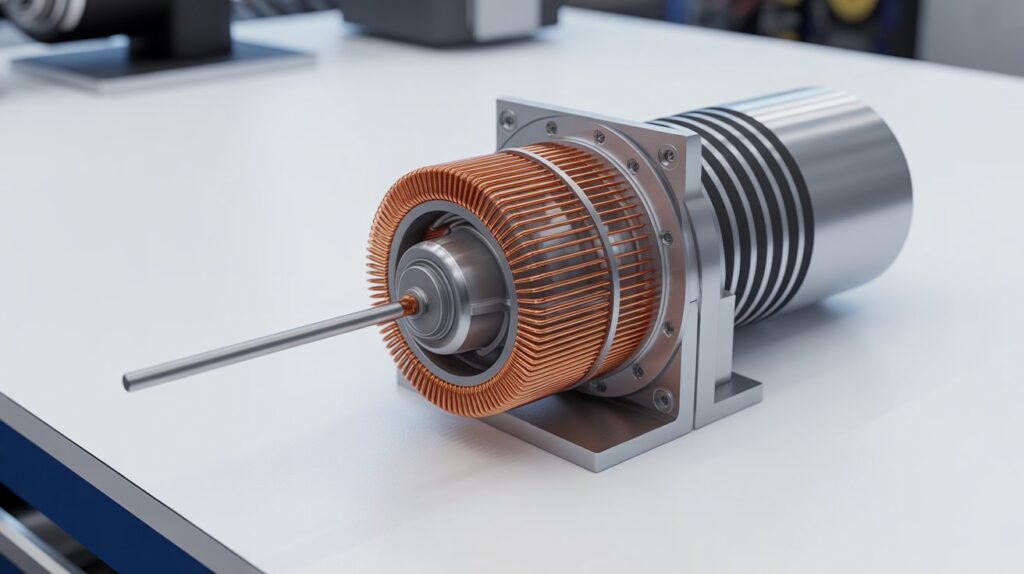
How do you know if a microwave magnetron is broken? It is likely when the microwave runs normally but makes little or no heat and the door switches, fuse, diode, and capacitor all test good. A technician confirms it by testing the filament and checking for a short to the case.
Magnetrons wear out with age and heavy daily use. Running the microwave empty also shortens their life. Replacement involves high-voltage components and should be done by a certified technician.
2. Blown High-Voltage Diode
The diode works with the capacitor to double the voltage sent to the magnetron. If it burns out, the magnetron loses the power it needs, even though everything else works.
A failed diode often causes loud buzzing during operation. It may look cracked or charred, but not always. Testing requires a multimeter and a safe discharge of the capacitor, so leave it to a technician.
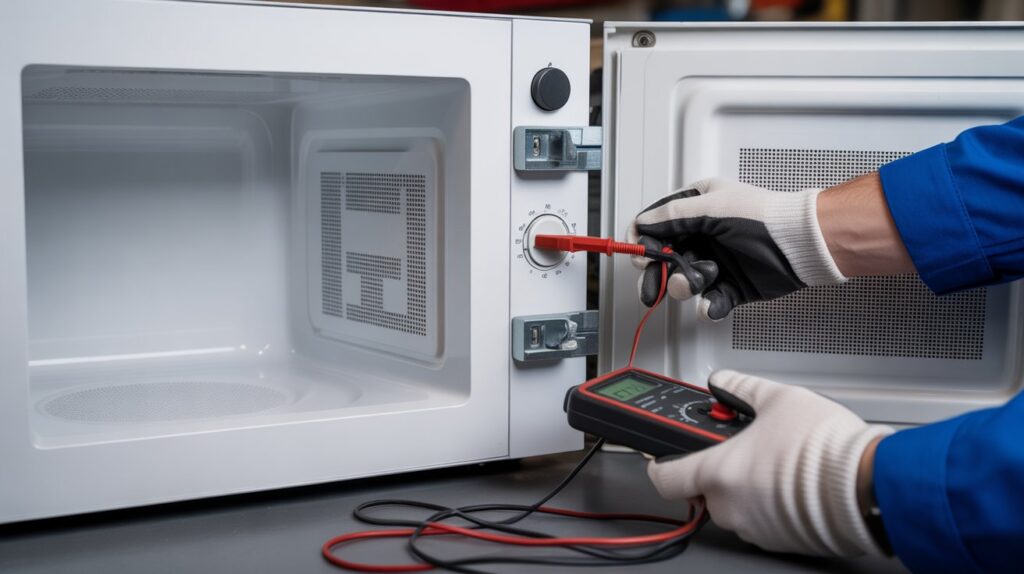
3. Defective Door Interlock Switches
Most microwaves have two to four interlock switches, also called microswitches, that confirm the door is sealed before the heating circuit can start. If even one fails, the microwave can appear to run normally while the magnetron never engages. It may also refuse to start.
Hard door slams speed up wear. Signs include heating that comes and goes, or heating only when you press on the door. A technician tests each switch with a multimeter in minutes, and replacing one is typically one of the more straightforward microwave repairs.
4. Faulty High-Voltage Capacitor
The capacitor stores and releases energy for the high-voltage circuit. When it fails, the magnetron doesn’t get the boost it needs. A bad capacitor can also cause loud humming or trip the breaker.
This part is not safe to handle without training. A microwave capacitor can hold a potentially lethal charge even after the unit is unplugged. Don’t try to test or replace it yourself.
5. Burned-Out Thermal Cutout or Thermoprotector
Microwaves have thermal safety devices that cut the heating circuit if the unit overheats. A thermal fuse is a one-time part: once it blows, the microwave won’t heat until it is replaced. Some thermostats reset on their own.
Suspect this if the microwave stopped suddenly after a long cooking session, or after running with blocked vents. A technician should replace it and find out why it overheated.
6. Control Board Malfunction
The control board is the microwave’s electronic brain. If it fails, it may never send the signal that starts heating, even though the display and fan work.
Look for erratic display behavior, unresponsive buttons, error codes, or a relay that clicks with no heat. A technician rules out every other cause before recommending a new board.
7. Blown Internal Fuse
Some models have a dedicated internal fuse that protects the heating circuit. If it blows from a power surge or an internal fault, the microwave looks normal but makes no heat. Replacing the fuse requires opening the cabinet, and the technician should find out why it blew.
Is It Worth Repairing or Should You Replace It?
A general rule used by appliance professionals: if the repair would cost more than half the price of a comparable new microwave, consider replacing it.
- Built-in and over-the-range microwaves: Repair almost always makes sense. Replacement involves cabinetry and installation work.
- Newer countertop units: Repair is usually worth it.
- Countertop units older than about 8 to 10 years: Replacement may be the smarter call.
A technician can tell you which side of the line you’re on after diagnosing the fault.
Safety Considerations: Read This Before Opening Any Panel
Microwave ovens are more hazardous to open than most household appliances. A few non-negotiable rules:
- Always unplug the microwave before opening any panel.
- The high-voltage capacitor can hold a charge after the unit is unplugged, so only a technician should discharge it.
- Never run a microwave empty.
- Never use a microwave with a damaged door seal, cracked waveguide cover, or compromised latch. This can cause microwave energy to leak.
- If it sparks, smells like burning, or grinds, unplug it immediately and don’t use it until it has been inspected.
The FDA provides official microwave oven safety guidance if you want to check safe-use tips or recalls for your model.
When to Call a Professional Appliance Repair Technician
If any fix means opening the cabinet, call a professional. Contact a technician when:
- The five checks in Step 1 didn’t fix it
- You hear buzzing or clicking, or smell burning during operation
- It is a built-in or over-the-range model
- The unit is fairly new and worth repairing
Have your model number and your water test result ready. It helps us diagnose faster.
CityFix Appliance offers same-day and next-day microwave repair across Los Angeles, including Glendale, Burbank, Pasadena, Santa Monica and Van Nuys.
Common Question About Microwave Working But Not Heating ?
Why does my microwave turn on but not heat the food
The heating circuit isn’t firing. Common causes are demo mode, a low-power level, a bad door switch, a blown fuse, or a failed diode, capacitor, or magnetron. Start with the free checks before assuming a part has failed.
How do I reset a microwave that is not heating?
Unplug it for at least 60 seconds, plug it back in, and heat one cup of water for two minutes. For an over-the-range model, switch off the breaker for a minute. If the water stays cold, the problem is a failed part that needs a technician.
What is microwave demo mode, and how do I turn it off?
Demo mode is a retail display setting that runs the fan, light, turntable, and display without heating. The steps differ by brand, and many models use a held button such as Stop/Cancel. Check your manual or search your model number plus “demo mode.”
How do I know if my microwave magnetron is broken?
The microwave runs normally but makes little or no heat, and you may hear loud buzzing or smell burning. If the door switches, fuse, diode, and capacitor all test good, the magnetron is the likely cause. A technician confirms it with a filament test.
Why does my microwave buzz but not heat?
A loud buzz with no heat points to the high-voltage side: the diode, capacitor, transformer, or magnetron. A technician tests the whole chain because several of these parts sit close together and fail in similar ways. It is not a DIY repair.
Why does my microwave have power but not work?
A door switch that isn’t engaging, a blown fuse, or a control board fault can leave the display on while the microwave won’t start or heat. Reset it, check the door latch and breaker, and call a technician if it still won’t work.
Why is my Samsung, LG, or Whirlpool microwave running but not heating?
The same causes apply to every brand: demo mode, power level, door switches, fuses, and the high-voltage parts. Some models use an inverter board instead of a transformer and capacitor, which changes the repair. Have your model number ready when you call.
Why is my oven turning on but not heating?
If you mean a regular oven, the usual suspects are the bake or broil element, the temperature sensor, or a weak igniter on a gas oven. Both need a technician. See our oven repair service. If you mean a microwave, use the checks above.
Can I fix a microwave that is not heating myself?
Only the external checks: demo mode, power level, reset, door latch, and breaker. Anything inside the cabinet involves high-voltage parts that can be lethal, so leave it to a certified technician.
Is it worth repairing a microwave that will not heat?
Usually yes, especially for built-in and over-the-range models and newer countertop units. For an older countertop microwave, compare the repair against the price of a new one after diagnosis.
Conclusion: Don’t Let a Cold Microwave Slow You Down
A microwave working but not heating is fixable in most cases. Start with the five free checks: demo mode, power level, hard reset, door latch, and circuit breaker. If those don’t work, the fault is almost certainly a part inside, such as a door switch, diode, fuse, or magnetron.
We repair all major brands, including Samsung, LG, Whirlpool, GE, Bosch, and KitchenAid, with same-day availability. Check our service areas and book your repair today.
📞 (818) 937-1818 · 201 N Brand Blvd Suite 200, Glendale, CA 91203
One Response
Good article. I will be dealing with some of these issues as well..