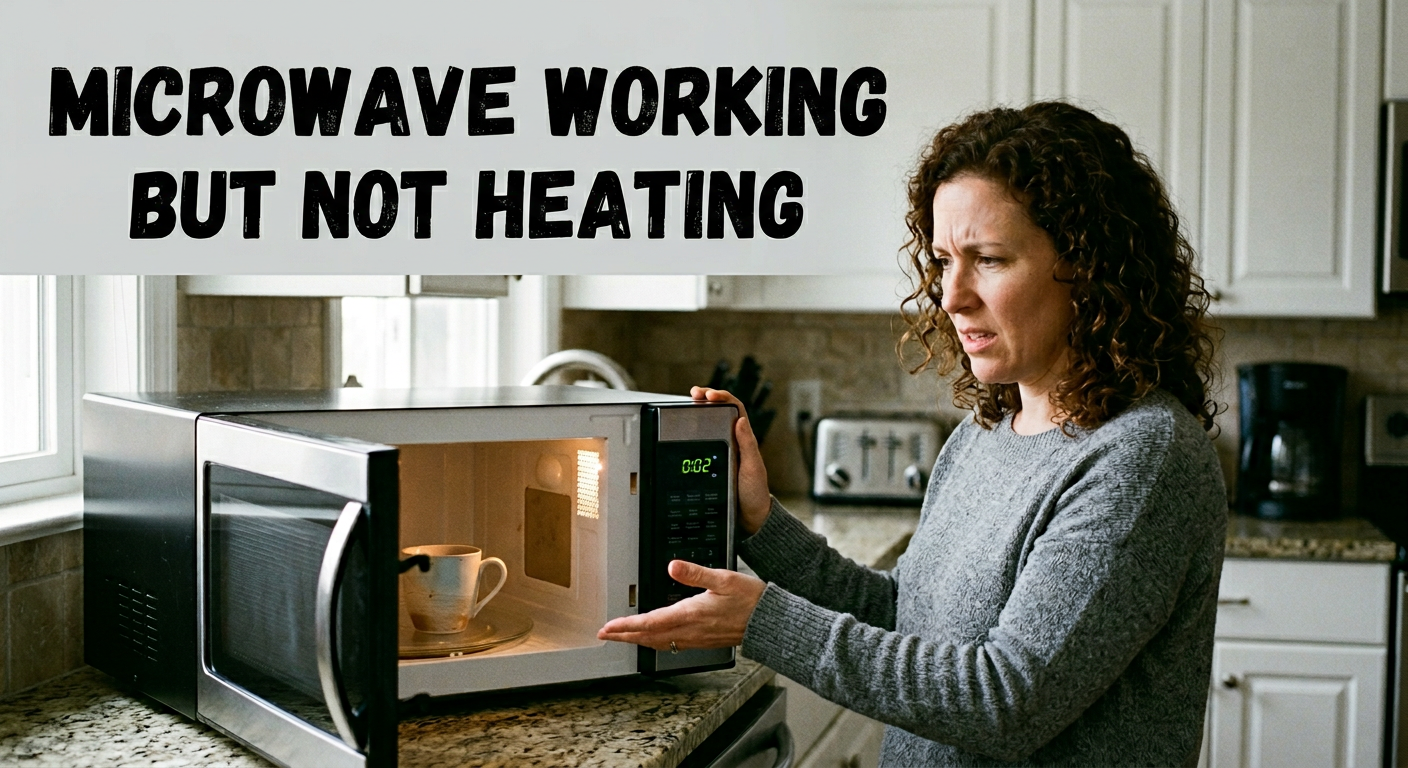
Your microwave hums, the light turns on, the turntable spins, but your food comes out stone cold. If your microwave is working but not heating, you are not alone. This is one of the most common appliance complaints in Los Angeles homes, and the good news is: most causes are diagnosable, and many are fixable without replacing the unit.
In this guide, we walk you through every likely reason your microwave stopped heating, starting with the easiest free checks and working up to the mechanical failures that need a professional. Let’s get your kitchen back on track.
Why Is My Microwave Running But Not Heating?
When a microwave turns on but produces no heat, it almost always points to a failure somewhere in the high-voltage heating circuit, the system responsible for converting electrical energy into the microwave radiation that actually warms your food. The appliance itself may appear fully functional (display, light, fan, turntable all running normally) because those components operate on a separate low-voltage circuit.
The short answer: something in the high-voltage chain has failed, or a setting is blocking it. The most common culprits are Demo Mode being enabled, the magnetron, the high-voltage diode, the capacitor, or a door interlock switch. Let’s start with the simplest checks first, because they cost you nothing.
Step 1: Safe Checks to Do Right Now (No Tools, No Cost)
Before assuming there is a mechanical failure, run through these checks in order. They take less than five minutes and solve the problem more often than you would expect.
Check #1 – Disable Demo Mode First
This is the most overlooked cause of a microwave that runs but does not heat, and the easiest to fix.
Demo Mode (also called Showroom Mode or Demo Display on some brands) is a retail setting that allows the microwave to run all its visible functions, fan, turntable, display, interior light, without activating the magnetron that generates heat. Retailers use it on the showroom floor so the unit does not heat an empty cavity all day.
If your microwave was recently moved, reset, or used by someone unfamiliar with the settings, there is a real chance Demo Mode was accidentally enabled. To disable it, most models require holding the “Stop/Cancel” button for 3 to 5 seconds. Check your owner’s manual for the exact steps on your model.
Once Demo Mode is off, test the microwave by heating one cup of cold water on full power for two minutes. If it heats up, you are done.
Check #2 – Verify the Power Level Is at 100%
Microwaves have between 5 and 10 power levels. If the power level is set to 10–20%, dense foods like leftovers or frozen meals will barely warm, it feels like the microwave is not heating at all. Press the “Power Level” button and confirm it is set to 100% (Power 10) before testing again.
Check #3 – Hard Reset the Microwave
Unplug the microwave from the wall. Wait a full 60 seconds. Plug it back in. Then test by heating one cup of cold water at 100% power for two minutes. If the water is hot, the issue was an electronic glitch cleared by the reset. If the water remains cold, you are dealing with a mechanical failure, continue reading.
Check #4 – Inspect the Door Latch
Close the door firmly and confirm you hear a full click on both sides of the latch. A door that appears closed but is not fully engaged will prevent the heating circuit from activating, while allowing all other functions to run normally.
Check #5 – Check the Circuit Breaker
A partially tripped circuit breaker can deliver just enough power to run the low-voltage components (light, display, fan) but not enough to fire the magnetron. Check your breaker box and reset any tripped circuit before continuing.
Step 2: 7 Reasons Your Microwave Is Working But Not Heating
If all five checks above came up clean, the problem is inside the unit. Here are the seven most common mechanical causes, from most to least frequent.
1. Failed Magnetron – The Most Common Cause
The magnetron is the component that generates microwave energy. When it fails, your appliance becomes an expensive kitchen light with a spinning plate. Magnetron failure is the single most common reason a microwave runs but will not heat.
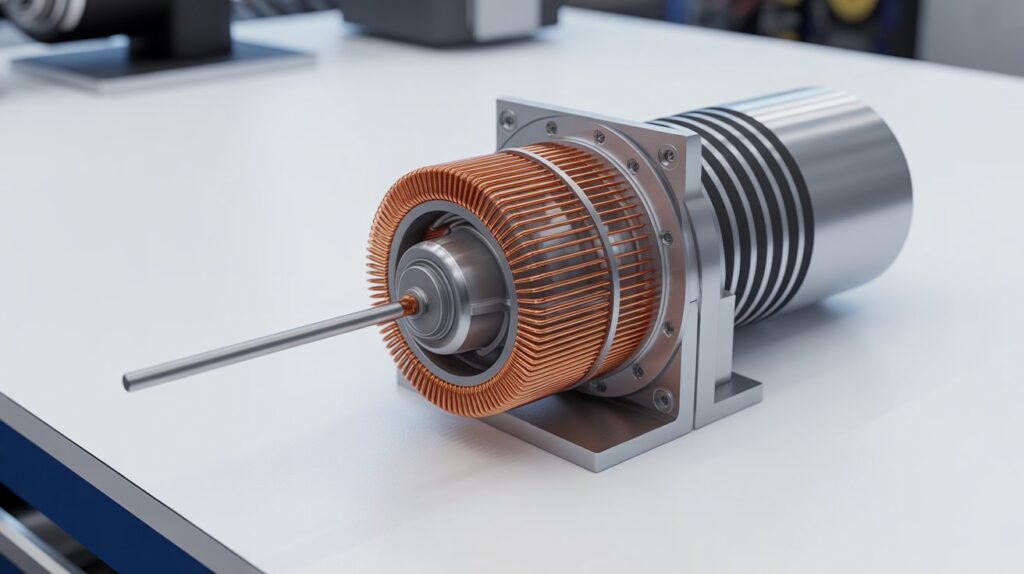
Signs of magnetron failure:
- Microwave completes a full cycle with absolutely no heat produced
- Buzzing or humming louder than normal during operation
- Burning or electrical smell during or after a cycle
Magnetrons wear out over time, especially in units that see heavy daily use. Replacing a magnetron involves high-voltage components, this is a job for a certified appliance repair technician. Replacement cost typically ranges from $150 to $350 depending on the brand and model.
2. Blown High-Voltage Diode
The high-voltage diode works alongside the capacitor to double the voltage supplied to the magnetron. If it burns out, the magnetron loses the power it needs to generate heat, even though everything else in the microwave continues to operate normally.
A failed diode often produces a distinct loud buzzing during operation. Visually, a burned diode may appear cracked or charred, though not always. Testing requires a multimeter and safe discharge of the capacitor. Do not attempt this repair without electrical training.
3. Defective Door Interlock Switches
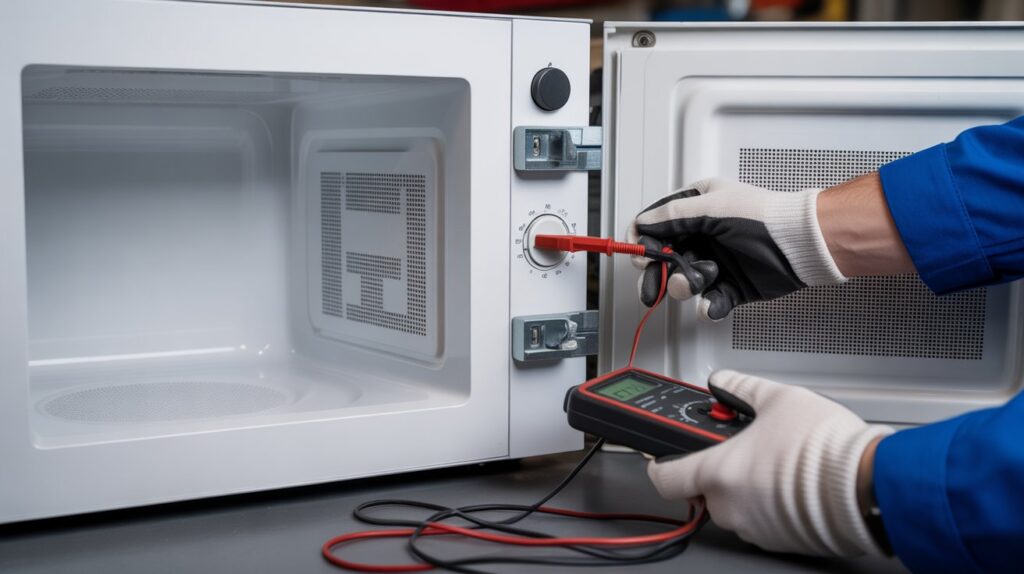
Most microwaves have two to four door switches, also called interlock switches, that confirm the door is fully sealed before allowing the heating circuit to activate. If even one fails, the microwave may appear to run normally while the magnetron never engages.
Door switch failures are among the most common and most overlooked causes of a microwave working but not heating. Repeated hard door slams significantly accelerate wear. A technician can test each switch with a multimeter in minutes, and replacement parts are inexpensive, this is typically one of the more affordable microwave repairs.
4. Faulty High-Voltage Capacitor
The capacitor stores and releases electrical energy as part of the high-voltage circuit. When it fails, the magnetron does not receive the power boost it needs to produce heat. A bad capacitor can also cause the circuit breaker to trip or produce a loud humming sound during operation.
This component is not safe to handle without training. Even after the microwave is unplugged, the capacitor retains a potentially lethal charge of over 2,000 volts. Do not attempt to test or replace it yourself.
5. Burned-Out Thermal Cutout or Thermoprotector
Microwaves include thermal safety devices that permanently cut off the heating circuit if the unit overheats. These are one-time protection components, once they blow, the microwave will not heat again until the part is replaced.
If your microwave stopped heating suddenly after a long cooking session or after running in a poorly ventilated space, a blown thermal cutout is a strong possibility. This is a straightforward and relatively affordable repair for a technician.
6. Control Board Malfunction
Less commonly, the main control board, the electronic brain of the microwave, may fail to send the signal that initiates the heating sequence. Control board issues are usually accompanied by erratic display behavior, unresponsive buttons, or visible error codes on the panel.
Control board replacement is more expensive than other repairs, so a technician will rule out all other causes before recommending it.
7. Blown Internal Fuse
Some microwave models include a dedicated internal fuse that protects the heating circuit. If this fuse blows, due to a power surge or internal fault, the microwave will run normally in appearance but produce no heat. Fuse replacement is inexpensive but requires opening the cabinet.
Is It Worth Repairing or Should You Replace It?
A general rule used by appliance professionals: if the repair cost exceeds 50% of the replacement cost, consider replacing the unit. Here is a practical breakdown for Los Angeles homeowners:
For built-in and over-the-range microwaves, repair almost always makes financial sense regardless of age, replacement involves cabinetry work that significantly increases the cost. For standard countertop units over 10 years old, replacement may be the smarter call.
Safety Considerations, Read This Before Opening Any Panel
Microwave ovens are uniquely hazardous compared to other household appliances. A few non-negotiable safety points:
- Always unplug the microwave before opening any panel or accessing any component.
- The high-voltage capacitor retains a charge of over 2,000 volts even after the unit is unplugged, it must be professionally discharged before any internal components are touched.
- Never run a microwave with a damaged door seal, cracked waveguide cover, or compromised latch. This can cause microwave radiation leakage.
- If your microwave sparks, smells like burning, or makes grinding sounds, unplug it immediately and do not use it until it has been inspected.
The FDA provides official microwave oven safety guidance worth reviewing if you have concerns about radiation safety or want to check for product recalls on your model.
When to Call a Professional Appliance Repair Technician
Here is a straightforward rule: if any fix requires opening the cabinet, call a professional.
You should contact a technician when:
- None of the at-home checks in Step 1 resolved the issue
- You hear buzzing, clicking, or smell burning during operation
- The microwave is a built-in or over-the-range model
- The unit is less than 8 years old and the repair is cost-effective
CityFix Appliance offers same-day and next-day microwave repair across Los Angeles, including Glendale, Burbank, Pasadena, Santa Monica, Van Nuys, and surrounding areas. Our certified technicians carry the most common parts in the van, so most repairs are completed in a single visit with upfront pricing before any work begins.
📞 Call (818) 937-1818 – no service call fee when you proceed with a repair.
Common Question About Microwave Working But Not Heating ?
Why does my microwave turn on but not heat the food
The most common causes are Demo Mode being enabled, power level set too low, a failed magnetron, blown high-voltage diode, or a faulty door interlock switch. Start with the free checks, disable Demo Mode, set power to 100%, and do a hard reset, before assuming a mechanical failure.
How do I reset a microwave that is not heating?
Unplug the microwave from the wall outlet and leave it unplugged for 60 seconds. Plug it back in and test by heating one cup of cold water at 100% power for two minutes. If the water is hot, the reset resolved the issue. If not, the problem is mechanical and requires a technician.
What is microwave Demo Mode and how do I turn it off?
Demo Mode is a retail display setting that runs all microwave functions, fan, light, turntable, except heating. To disable it on most models, hold the “Stop/Cancel” button for 3 to 5 seconds. Refer to your owner’s manual for model-specific steps.
Can I fix a microwave that is not heating myself?
Safe DIY options are limited to external checks: disabling Demo Mode, checking the power level, resetting the unit, and inspecting the door latch. Any repair requiring access to internal components, magnetron, diode, capacitor, door switches, should only be handled by a certified technician due to lethal voltage hazards.
Why does my microwave buzz but not heat?
A loud buzzing or humming during operation combined with no heat almost always indicates a burned-out high-voltage diode. The diode is responsible for powering the magnetron, and when it fails, the magnetron does not fire. This is a repair for a trained technician due to the high-voltage capacitor adjacent to the diode.
How long do microwave magnetrons last?
Magnetrons typically last 10 to 15 years under normal use. Heavy daily use, running the microwave empty repeatedly, or power surges can shorten their lifespan considerably. If your microwave is over 8 years old and the magnetron has failed, compare the repair cost to replacement before proceeding.
Is it worth repairing a microwave that will not heat?
In most cases, yes, especially if the unit is under 8 years old or is a built-in or over-the-range model. Door switch, diode, and thermal cutout repairs are typically $75 to $175 and almost always worth doing. Magnetron replacement on older countertop units should be evaluated against replacement cost.
Conclusion: Don’t Let a Cold Microwave Slow You Down
A microwave working but not heating is a fixable problem in the vast majority of cases. Start with the five free checks, Demo Mode, power level, hard reset, door latch, and circuit breaker. If those do not resolve it, the issue is almost certainly a mechanical component: most commonly the magnetron, diode, or a door switch.
The team at CityFix Appliance has been serving Los Angeles homeowners for over 15 years. We repair all major brands, Samsung, LG, Whirlpool, GE, Bosch, KitchenAid, and more, with same-day availability and a satisfaction guarantee on every job. Check our service areas and book your repair today.
📞 (818) 937-1818 · 201 N Brand Blvd Suite 200, Glendale, CA 91203
One Response
Good article. I will be dealing with some of these issues as well..